

API Tokens
API tokens let scripts and external services authenticate with DontBreak's API as you, without sharing your password. Each token has its own name, tracks when it was last used, and can be revoked independently — so a leaked token for one script never compromises anything else.
Where to find them
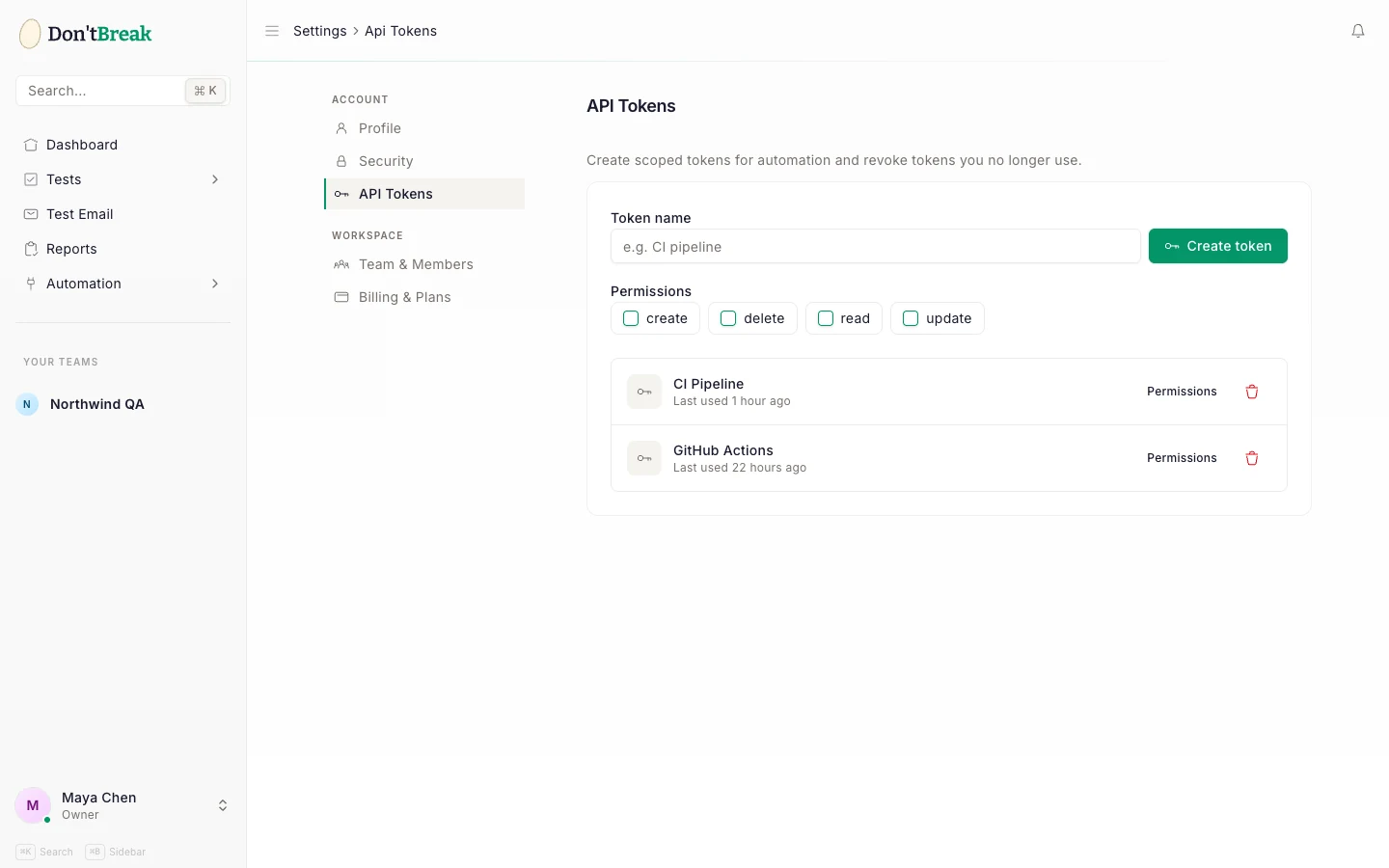
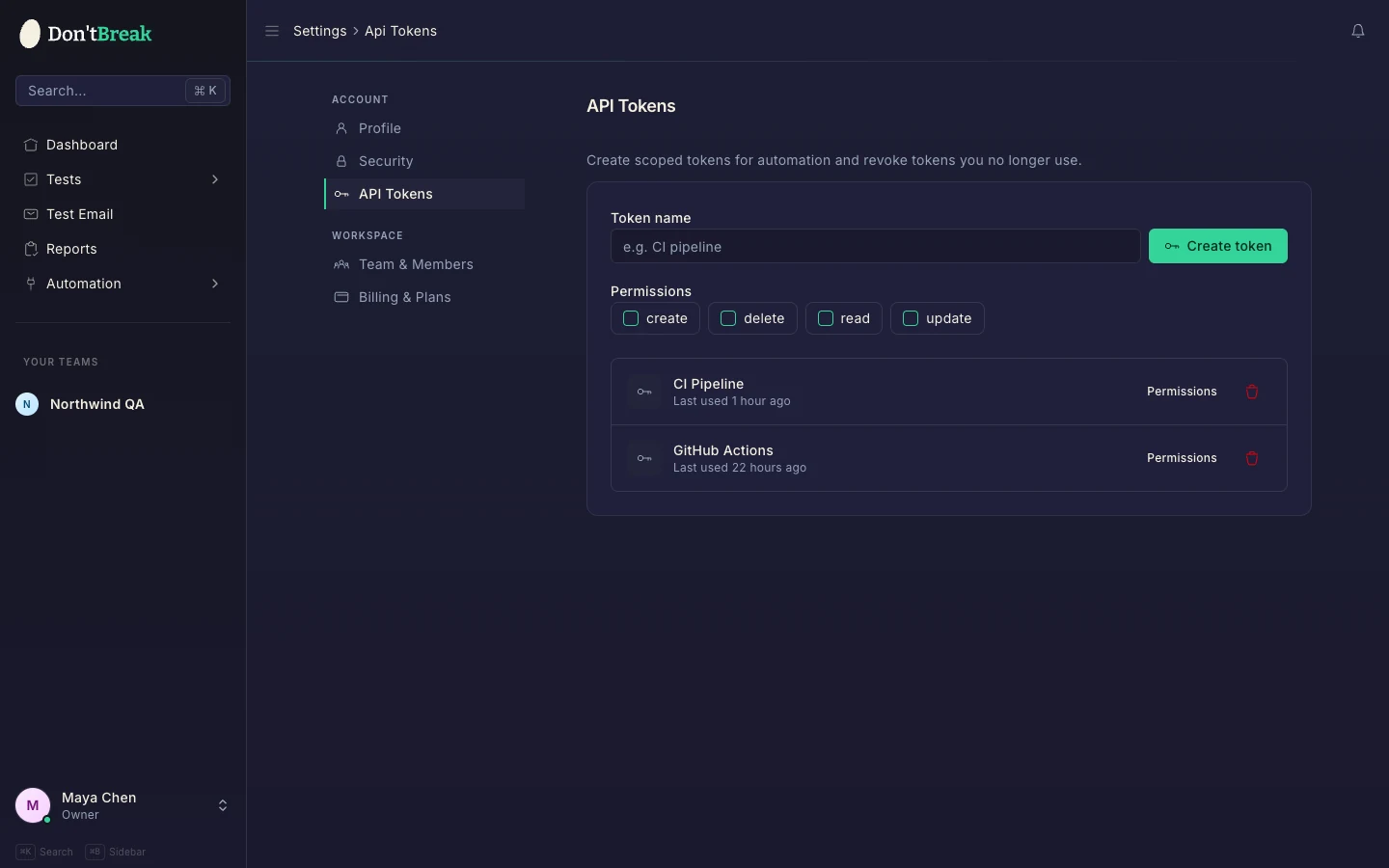
Tokens are managed under Settings → API Tokens (/settings/api-tokens). Tokens belong to your user account, and API requests made with them are scoped to your current team.
Creating a token
Name the token
Enter a descriptive name in the create form — name it after what will use it, like deploy-script or staging-monitor, so you can recognize it later.
Copy the token
Click Create token. The token value is shown once in a dialog with a copy button.
Tokens are shown only once
Copy your new API token as soon as it's created — for security reasons, it won't be shown again. DontBreak stores only a hash. If you lose the value, delete the token and create a new one.
Using a token
Send the token as a Bearer token in the Authorization header:
curl -H "Authorization: Bearer YOUR_API_TOKEN" \
  https://app.dontbreak.io/api/results/{suite_id}
The main use today is the CI/CD API — checking suite run status and triggering runs from pipelines. See Webhooks & CI/CD for the full endpoint reference.
CI/CD credentials are generated for you
The GitHub Actions and webhook integrations generate their own API key and secret pair from the Automation > CI/CD Pipelines page — you don't need to create a token manually for those. Personal tokens are for your own scripts and direct API calls.
Monitoring and revoking
Each token in the list shows when it was last used (or "Never used"). That's your audit trail: a token that should be active but shows no recent use may be misconfigured, and a token you don't recognize using the API is a red flag.
Deleting a token removes it immediately; any service using it starts receiving 401 Unauthorized responses.
Tip
Rotate tokens when teammates with access to them leave, and prune tokens marked "Never used" — every live credential is attack surface. Pair this with the security practices in Profile & Security, like enabling two-factor authentication on your account.