

What is DontBreak?
DontBreak is a no-code visual end-to-end testing platform. You build tests by interacting with your website in a real browser — clicking, typing, asserting — and DontBreak turns those actions into automated tests that run as real browser sessions in the cloud. When something on your site breaks, you find out before your users do.
No test scripts, no selectors to maintain, no local test infrastructure. If you can use your website, you can test it.
How it works
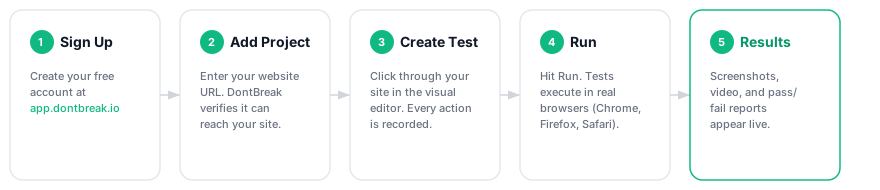
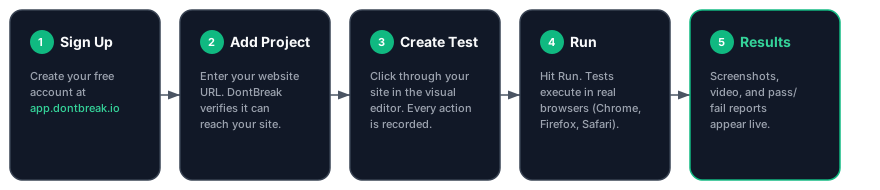
Every test follows the same lifecycle:
- Build — Open the test composer: your step list on the left, a live browser showing your site on the right. Add steps by interacting with the page or picking actions from the action picker. See Creating Your First Test.
- Run — Execute tests on demand, on a schedule, or trigger them from your CI/CD pipeline on every deploy. Each run executes your steps in real Chromium and Firefox browsers, on desktop and mobile viewports. See Browsers and Devices.
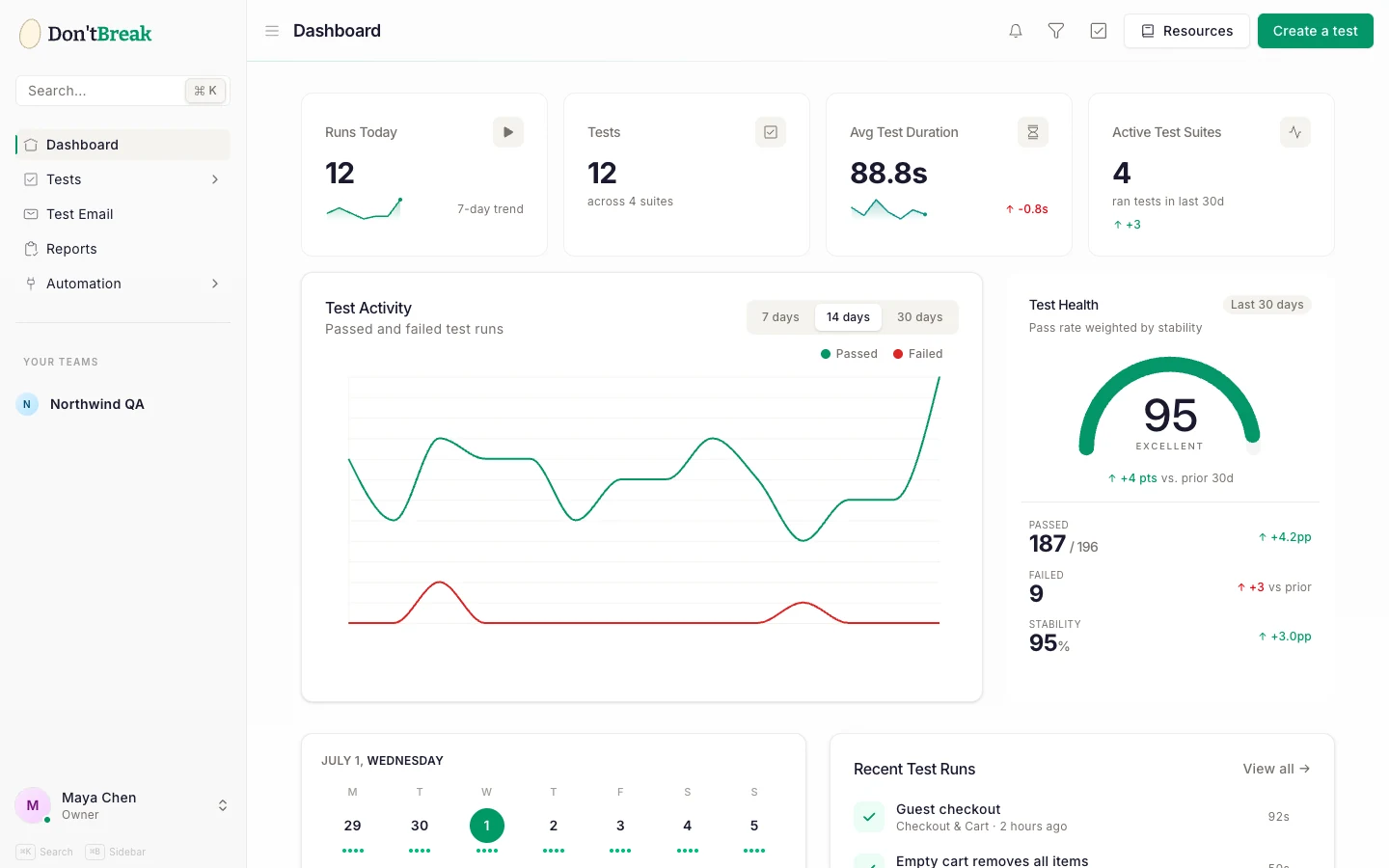
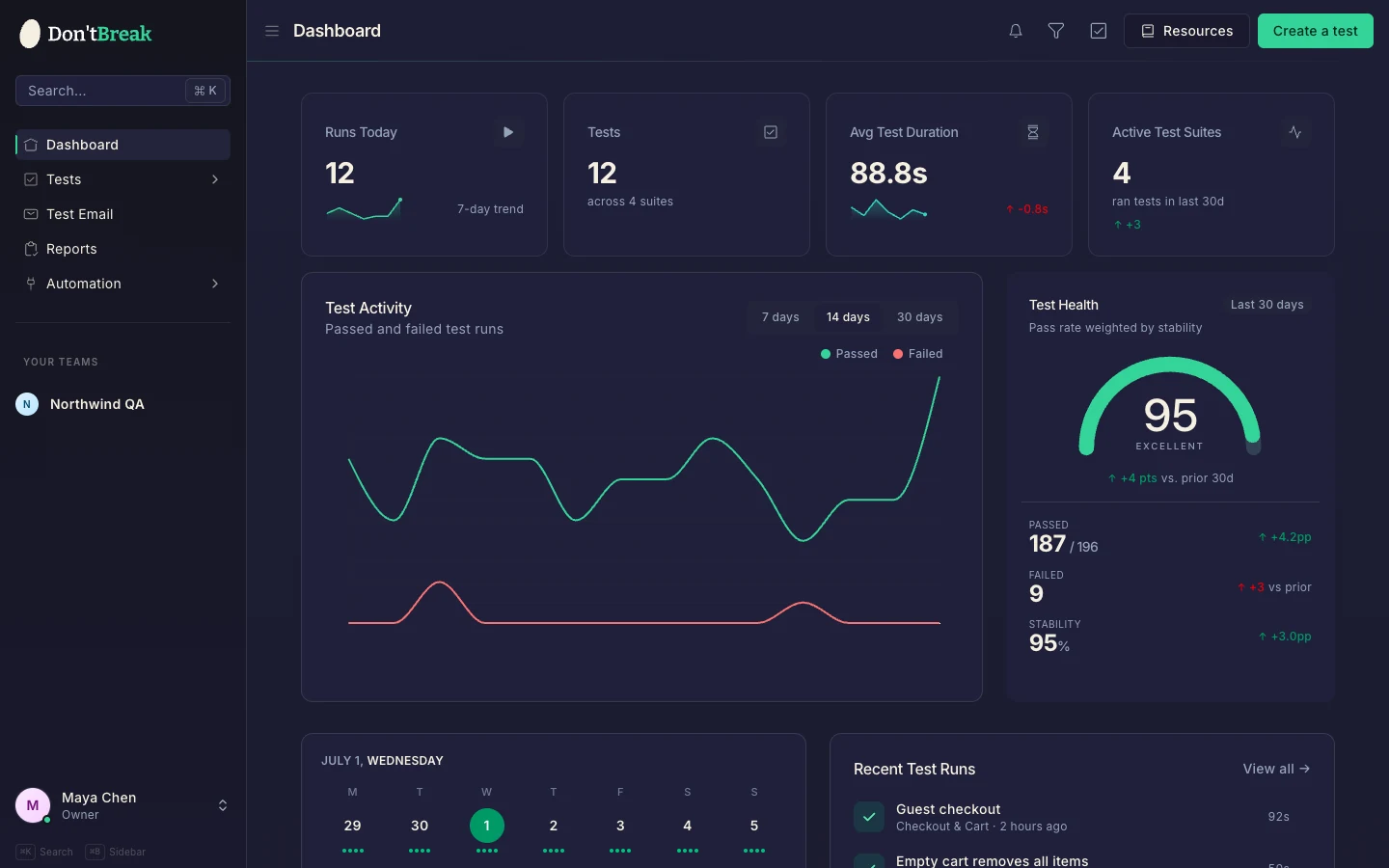
- Review — Every run produces a report with per-step results, screenshots, a full video recording, console logs, and downloadable artifacts. See Understanding Test Results.
- Get alerted — Route failures to Slack, email, GitHub, GitHub Issues, Jira, or Trello so the right people know the moment something breaks.
Who it's for
- Founders and product teams who want confidence that signup, checkout, and other critical flows keep working — without hiring QA engineers or writing Playwright code.
- QA testers who know what to test but don't want to maintain brittle test code.
- Developers who want E2E coverage wired into CI without owning a browser farm.
- Agencies managing many client sites, where teams and test suites keep everything organized.
What you can do with it
| Capability | Where to learn more |
|---|---|
| Build tests visually in a live browser | Creating Your First Test |
| Click, fill, hover, scroll, and more | Interaction actions |
| Assert page content, element visibility, URLs | Assertion actions |
| Navigate, reload, set cookies | Navigation actions |
| Generate steps and descriptions with AI | AI test generation |
| Reuse step sequences across tests | Reusable components |
| Test signup and verification emails with temp inboxes | Email testing |
| Group tests and share settings via suites | Test suites |
| Run on Chromium and Firefox, desktop and mobile | Browsers and devices |
| Schedule recurring runs | Scheduling |
| Trigger runs from CI/CD | CI/CD integration |
| Get notified on failures | Slack · Email |
How tests stay reliable
DontBreak identifies elements visually — the way a human does — instead of relying only on CSS selectors that break with every refactor. During execution it combines visual matching with DOM verification, and every step in a report shows a match confidence so you can see exactly how each element was found. Read more in Test reliability and Handling dynamic content.
Next steps
- Follow the Quick Start — clone an example test and get a green run in minutes.
- Read Creating Your First Test for a full composer walkthrough.
- Check Plans and billing and run quotas to understand how usage is counted.