

Webhooks & CI/CD
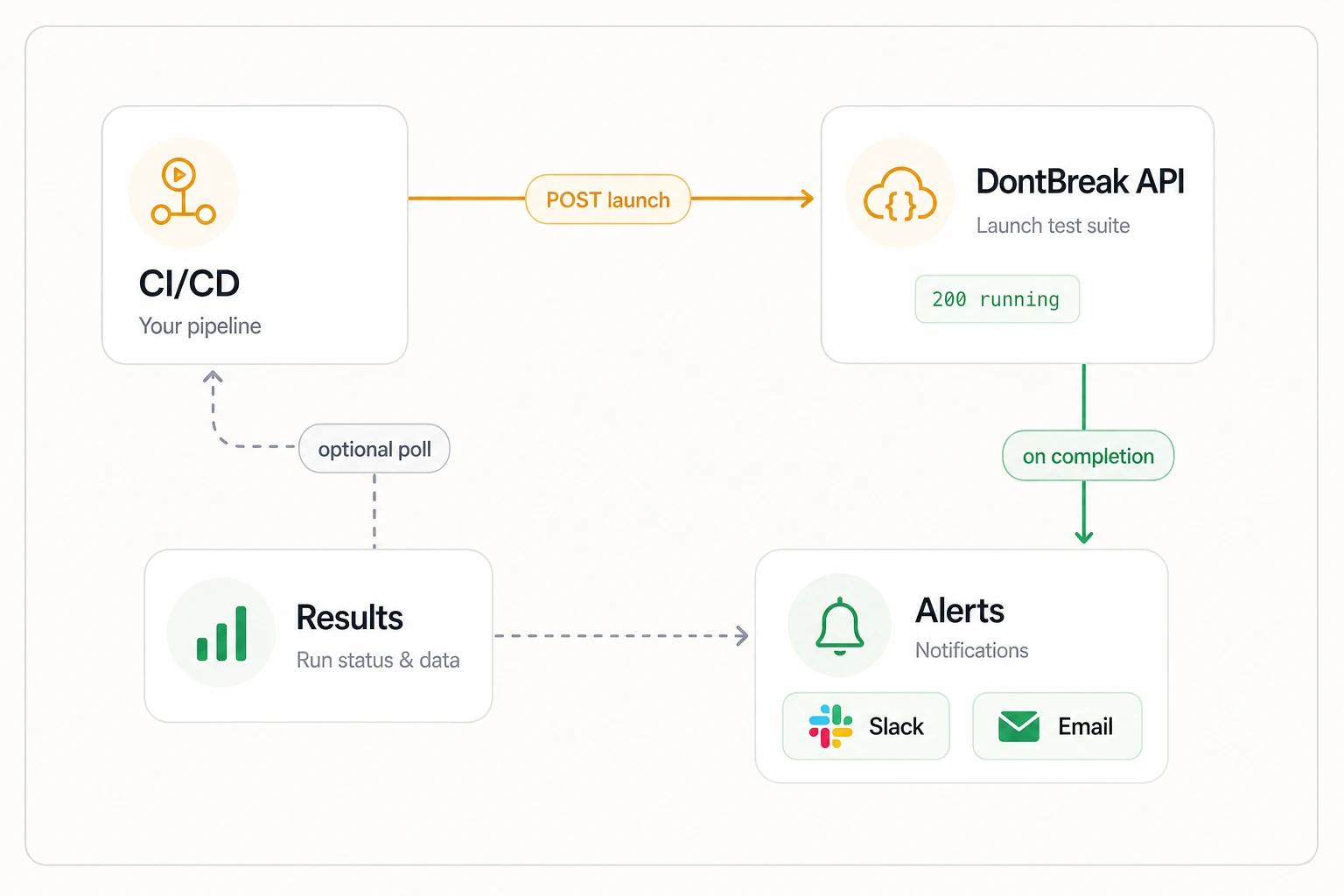
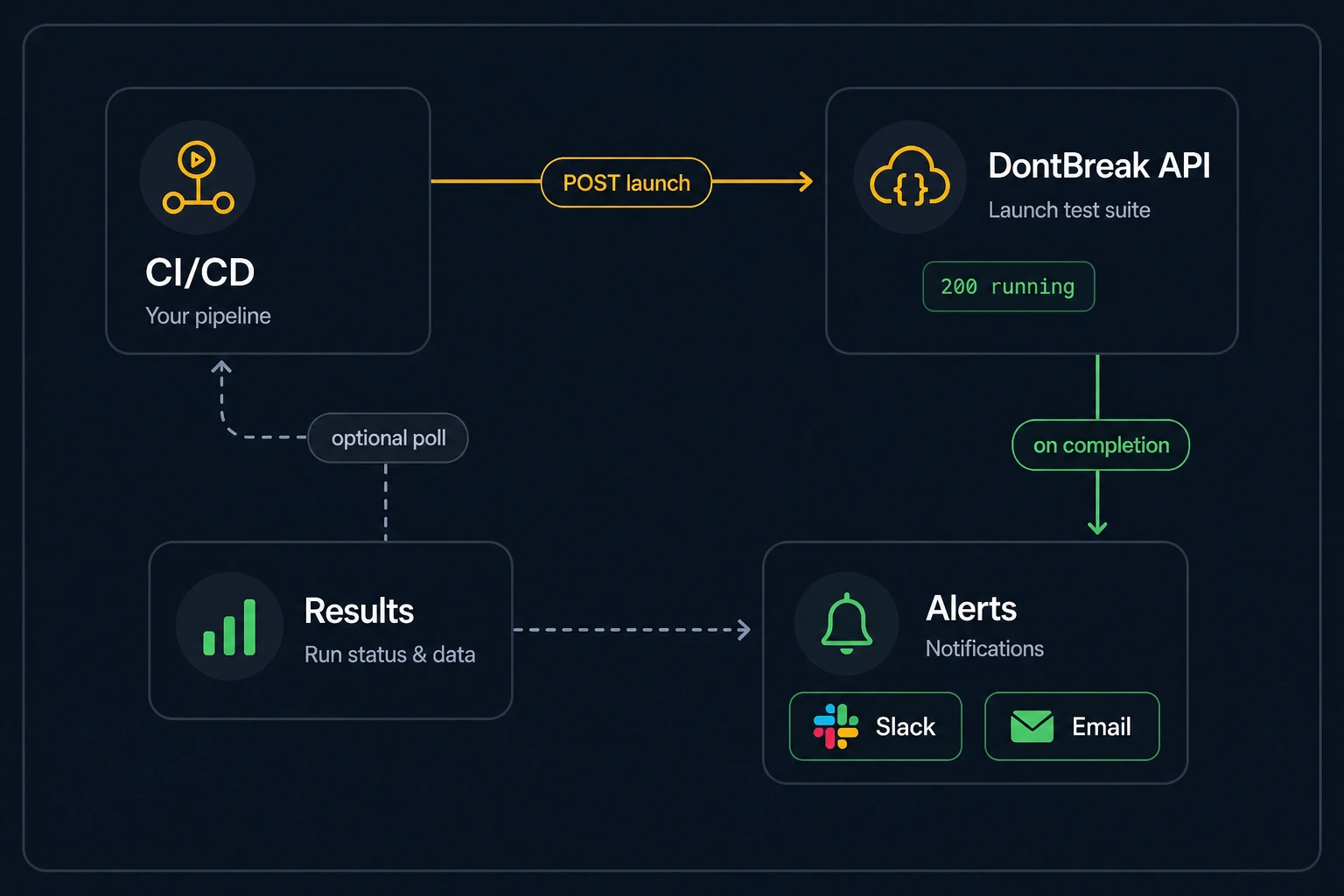
The webhook API lets you trigger DontBreak test suites from any CI/CD pipeline or external service with a single HTTP POST request — and gate the pipeline by polling the run's result. If you use GitLab, CircleCI, Jenkins, Bitbucket Pipelines, or anything else that can run curl, this is your integration path. (GitHub users can use the dedicated GitHub Actions integration instead.)
Enabling webhooks
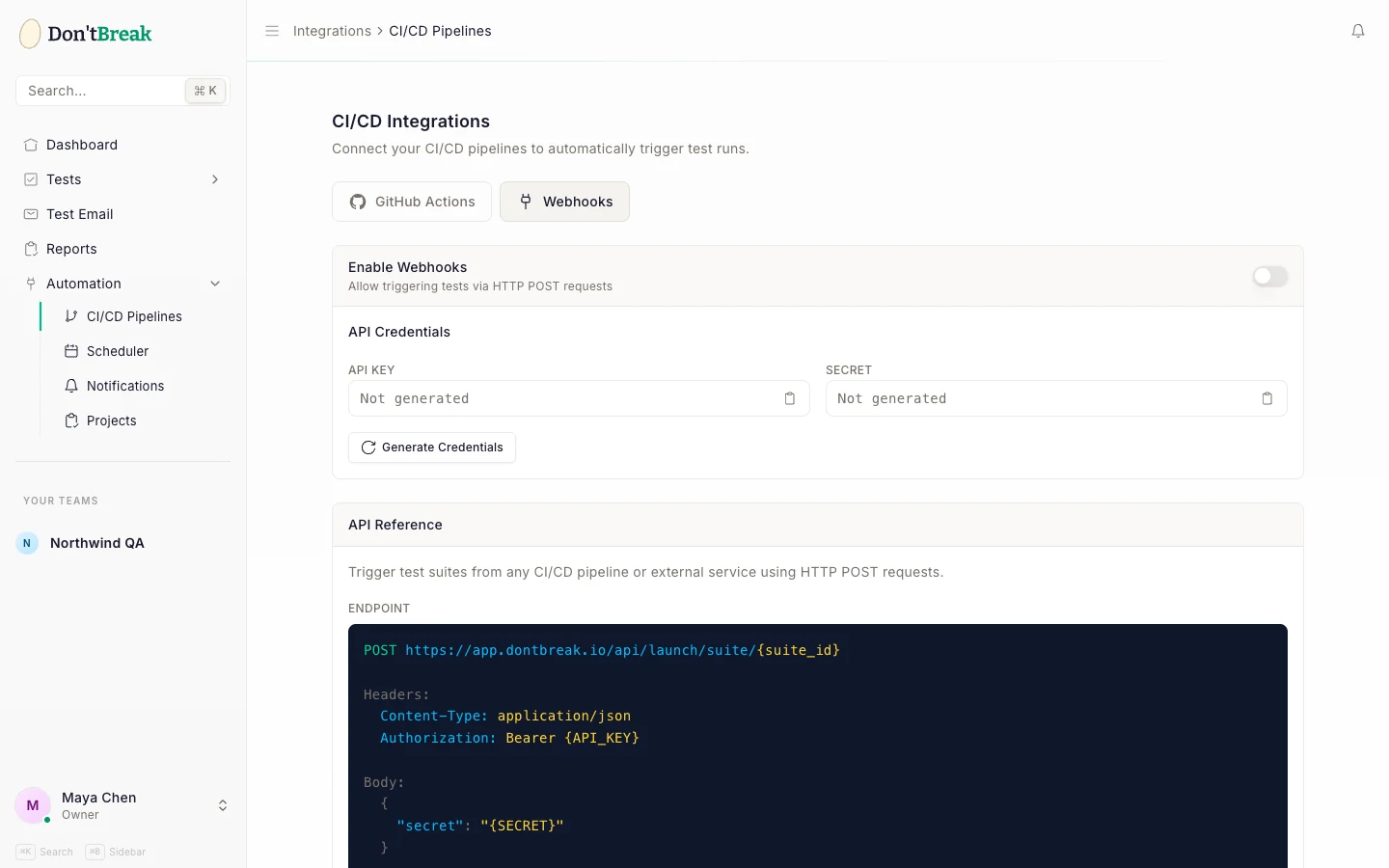
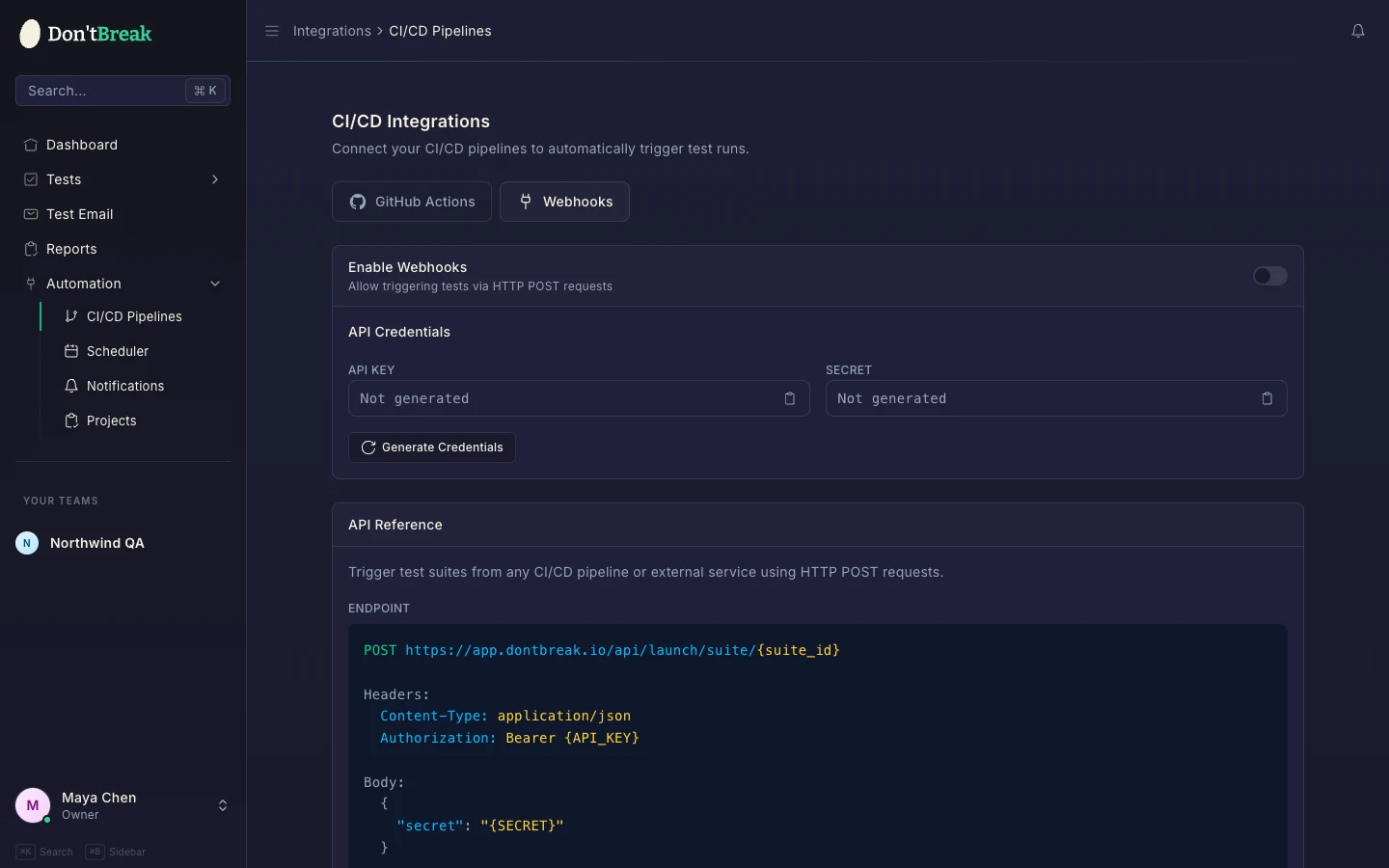
Go to Automation > CI/CD Pipelines and select the Webhooks tab.
Enable webhooks
Flip the Enable Webhooks toggle to allow triggering tests via HTTP POST requests. Disabling it blocks API launches immediately (requests return 403).
Generate credentials
Click Generate Credentials in the API Credentials section. You get an API Key (used as a Bearer token) and a Secret (sent in the request body). Both are shown once — copy them right away; they cannot be viewed again.
Store credentials in your CI secret manager
Add both values to your CI provider's secret store — GitLab CI/CD variables, CircleCI environment variables, Jenkins credentials. Never commit them to your repository.
API reference
Launch a suite
POST https://app.dontbreak.io/api/launch/suite/{suite_uuid}

Headers:
  Content-Type: application/json
  Accept: application/json
  Authorization: Bearer {API_KEY}

Body:
  {
    "secret": "{SECRET}"
  }
{suite_uuid} is the suite's UUID — visible in your browser's address bar when viewing the suite (see Test Suites).
cURL example:
curl -fsS -X POST https://app.dontbreak.io/api/launch/suite/{suite_uuid} \
  -H "Content-Type: application/json" \
  -H "Accept: application/json" \
  -H "Authorization: Bearer {API_KEY}" \
  -d '{"secret":"{SECRET}"}'
A successful launch returns:
{
  "status": "running",
  "runId": "unique-run-uuid",
  "executionId": "your-suite-uuid",
  "testName": "Your suite name",
  "launched": 4,
  "totalTests": 4,
  "message": "Test suite launched."
}
runId identifies this run — save it to poll results below. (executionId is the suite's UUID, kept for backwards compatibility; prefer runId.)
| Status | Meaning |
|---|---|
| 200 | Suite launched — launched of totalTests tests are running |
| 401 | Invalid API key or secret |
| 402 | Subscription inactive or run quota exhausted — nothing was launched |
| 403 | The webhook integration is disabled — flip the toggle to re-enable |
| 404 | No suite with that UUID in your team |
| 422 | Missing secret in the body, or no tests could be launched |
| 429 | Rate limited |
Launches are rate-limited to 10 per minute; results polling to 60 per minute.
Poll a run's result
curl -H "Accept: application/json" \
  -H "Authorization: Bearer {API_KEY}" \
  https://app.dontbreak.io/api/results/run/{runId}
{
  "status": "running",
  "totalTests": 4,
  "passed": 2,
  "failed": 0,
  "skipped": 0,
  "notLaunched": 0,
  "suiteTests": 4,
  "partial": false,
  "notLaunchedDetail": [],
  "durationMs": 61200,
  "reportUrl": "https://app.dontbreak.io/tests/suites/your-suite-uuid"
}
| Field | Meaning |
|---|---|
status | queued, pending, running, or one of the terminal values passed, failed, cancelled. |
totalTests | Tests that actually entered this run. |
suiteTests | How many tests the suite held when the run was launched. |
passed / failed | Per-test outcome counts for this run. |
skipped | Tests abandoned by stop-on-failure after an earlier test failed. Skipped tests don't consume run quota. |
notLaunched | Tests that never started — no steps, no enabled browser/device, or unresolved reusable steps. |
notLaunchedDetail | Array describing each not-launched test and why. Empty when everything launched. |
partial | true when notLaunched > 0 or skipped > 0 — the run did not cover the whole suite. |
durationMs | Wall-clock duration of the run so far. |
reportUrl | Link to the full report in the app. |
Always check `partial`
status: passed only means the tests that ran passed. A run where half the suite never launched can still report passed, so a pipeline that gates on status alone goes green on incomplete coverage. Treat partial: true (or failed > 0) as a failure — the example below does.
Full step-by-step results live in Reports, and failures fire your Slack and email alerts.
The GitHub Action applies this gate for you: it polls the same endpoint and fails the job unless the run reaches passed, exposing status, passed, failed, run-id, and report-url as step outputs.
Suite-level status endpoint
The older GET /api/results/{suite_uuid} endpoint still works and returns the suite's aggregate status, progress, and totalTests — but it can't distinguish concurrent runs. Prefer the per-run endpoint above.
Pipeline examples
GitLab CI — launch and gate on the result:
e2e-tests:
  stage: test
  image: curlimages/curl:latest
  script:
    - >
      RUN_ID=$(curl -fsS -X POST "https://app.dontbreak.io/api/launch/suite/$SUITE_UUID"
      -H "Content-Type: application/json" -H "Accept: application/json"
      -H "Authorization: Bearer $DONTBREAK_API_KEY"
      -d "{\"secret\":\"$DONTBREAK_SECRET\"}" | sed -n 's/.*"runId":"\([^"]*\)".*/\1/p')
    - |
      for i in $(seq 1 90); do
        BODY=$(curl -fsS -H "Accept: application/json" -H "Authorization: Bearer $DONTBREAK_API_KEY" \
          "https://app.dontbreak.io/api/results/run/$RUN_ID")
        STATUS=$(echo "$BODY" | grep -o '"status":"[^"]*"' | cut -d'"' -f4)
        FAILED=$(echo "$BODY" | grep -o '"failed":[0-9]*' | cut -d: -f2)
        PARTIAL=$(echo "$BODY" | grep -o '"partial":[a-z]*' | cut -d: -f2)
        echo "Run status: $STATUS (failed: ${FAILED:-0}, partial: ${PARTIAL:-false})"
        case "$STATUS" in
          passed)
            if [ "$PARTIAL" = "true" ] || [ "${FAILED:-0}" -gt 0 ]; then
              echo "Suite did not fully pass: partial=$PARTIAL failed=$FAILED"
              exit 1
            fi
            exit 0
            ;;
          failed|cancelled) exit 1 ;;
        esac
        sleep 20
      done
      echo "Timed out waiting for the run" && exit 1
The gate deliberately fails on partial: true as well as on failed > 0: a run that only executed part of the suite is not a green build.
CircleCI — fire-and-forget:
jobs:
  e2e-tests:
    docker:
      - image: cimg/base:stable
    steps:
      - run:
          name: Trigger DontBreak suite
          command: |
            curl -fsS -X POST "https://app.dontbreak.io/api/launch/suite/$SUITE_UUID" \
              -H "Content-Type: application/json" \
              -H "Accept: application/json" \
              -H "Authorization: Bearer $DONTBREAK_API_KEY" \
              -d "{\"secret\":\"$DONTBREAK_SECRET\"}"
The -f flag makes curl exit non-zero on a 4xx response, failing the pipeline step if the launch is rejected — including quota (402) and disabled-integration (403) errors, which are never silently swallowed.
Security
Rotate credentials if they leak
Clicking Regenerate Credentials issues a new API key and secret and revokes the old pair immediately — the old key stops authenticating the moment you regenerate. Rotate right away if credentials end up in a log, a commit, or an ex-teammate's laptop — then update your CI secrets. Credentials are shown only at generation time and are stored hashed, so nobody (including DontBreak) can read them back later.
Each suite launch consumes test runs from your plan just like a manual run — see Run Quotas.