

Quick Start
Go from a fresh DontBreak account to your first green test run in a few minutes. When you first sign in, the dashboard shows a setup guide with a Quick Start Checklist and a gallery of ready-made example tests — this page walks you through that exact flow. For the big-picture overview of how DontBreak works, see What is DontBreak?.
The fastest path: clone an example test
The setup guide includes example tests you can clone with one click: Sign Up & Login, Password Reset, Buy a Product, Contact Form, Job Application, and Verify a Code. Each one is a complete, working test that runs against our interactive playground at playground.dontbreak.io, so you can run it immediately, open it in the editor, and see exactly how real tests are built — including temp email verification and form filling.
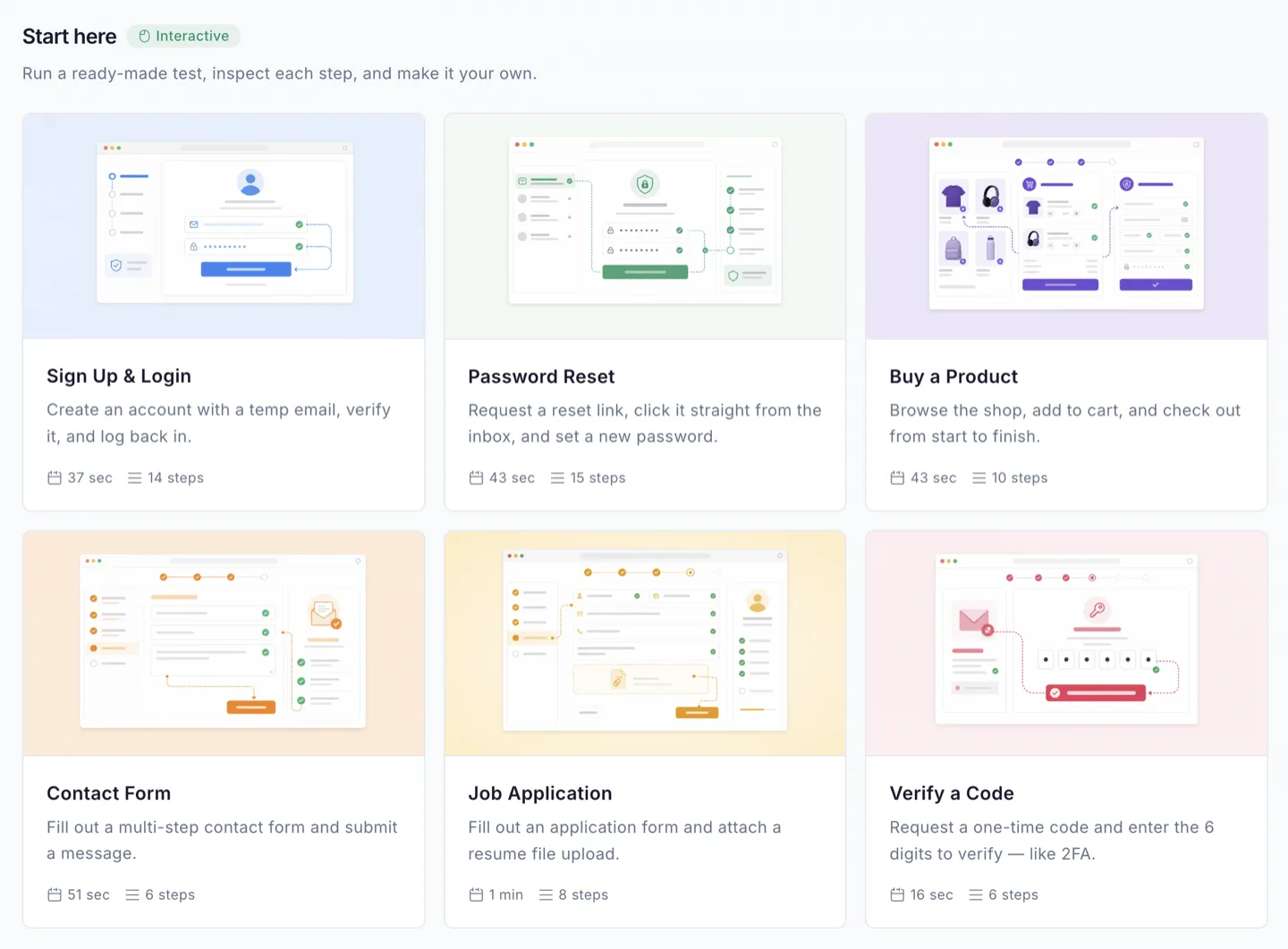
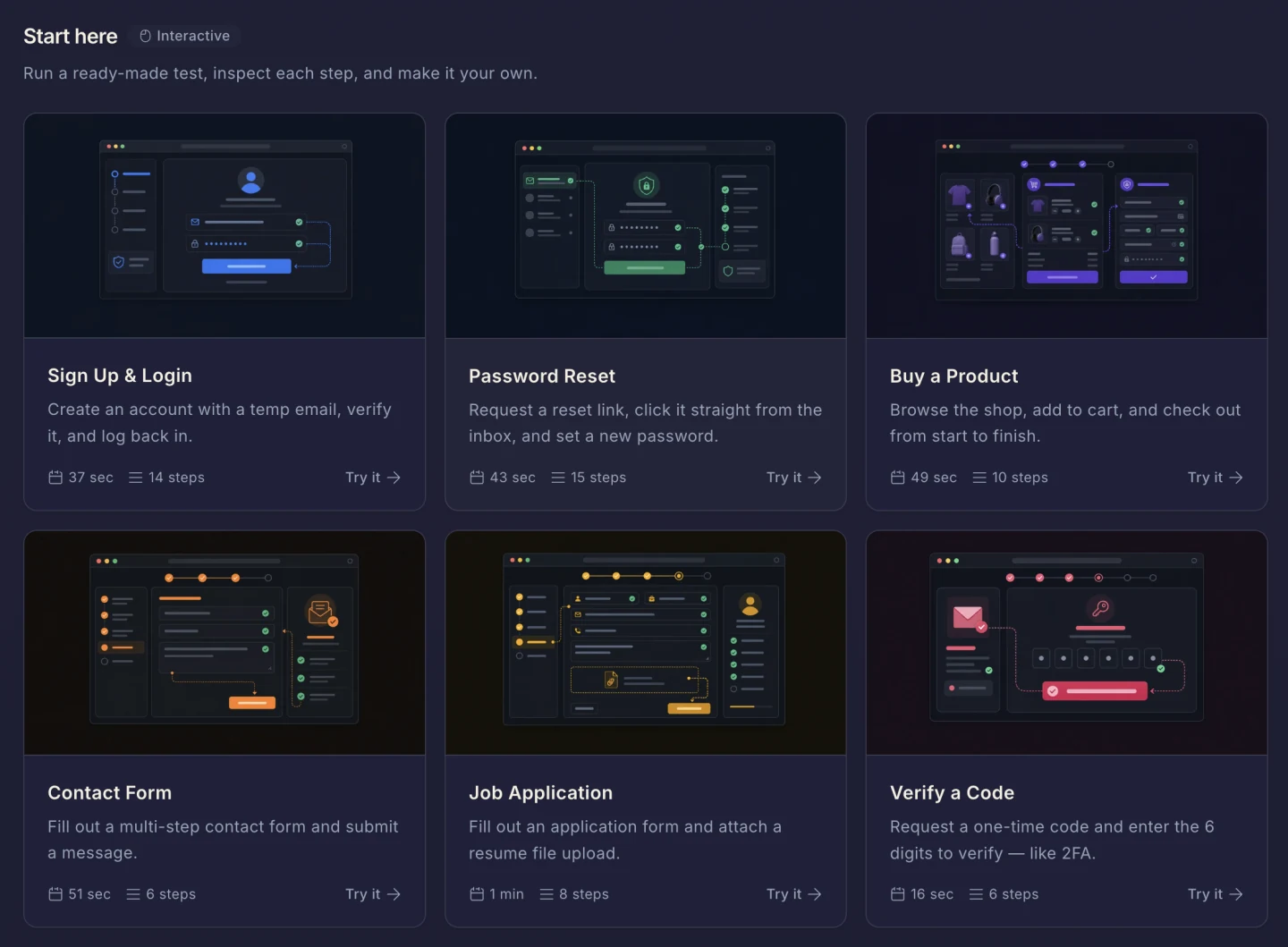
Cloning an example adds it to an "Example Tests" suite in your account. It counts as a regular test you can run, edit, and delete.
The Quick Start Checklist
The dashboard checklist tracks five steps. Complete them in order and you'll have touched every core part of DontBreak.
Create your first test
Click Create Test on the checklist (or the Create a test button in the header). In the Create New Test dialog, enter the URL of the page you want to test and a test name, then click Create Test. The fastest alternative: clone an example test from the gallery above — that completes this step too. Full walkthrough in Creating Your First Test.
Run a test
Open your test from the Tests page and launch it with the Run button. You can run on all enabled browsers, or just desktop or mobile. Each enabled browser × device combination counts as one run against your quota. While it executes, the test shows the Running status in the tests list.
View a test report
When the run finishes, open Reports and click the new entry. You'll see step-by-step results with screenshots, a video recording of the whole run, and console logs. Learn what everything means in Understanding Test Results.
Set up a test suite
Go to Tests → Test Suites and create a suite. Suites group related tests for batch execution and share settings like a default URL and basic auth credentials. See Test Suites.
Schedule a recurring test
Open Automation → Scheduler and set up a recurring run, so your tests keep watching your site without you. See Scheduling.
Once all five are done, the guide celebrates and you can dismiss it to see your full dashboard. You can also click Skip setup guide at any time.
Where your tests live
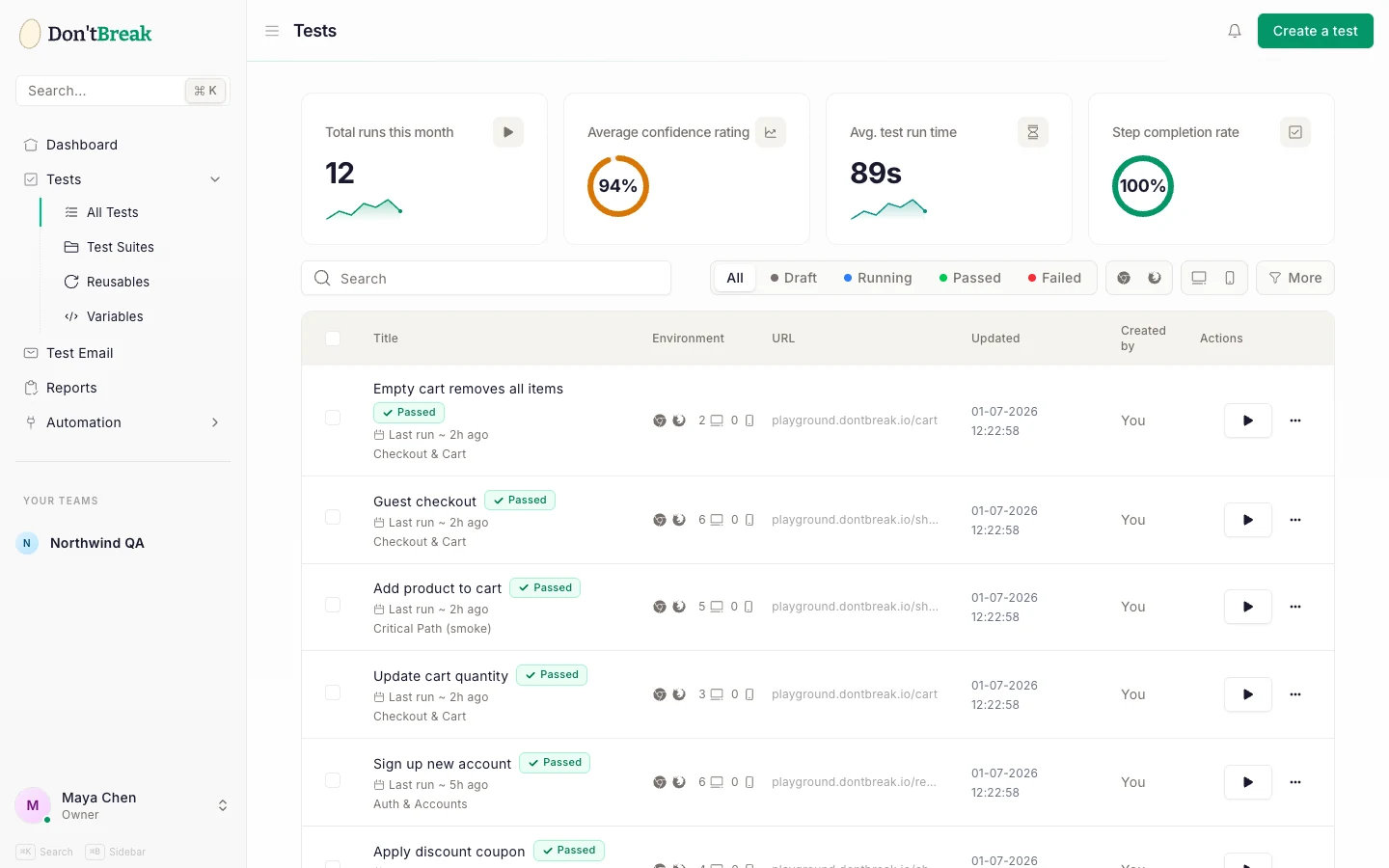
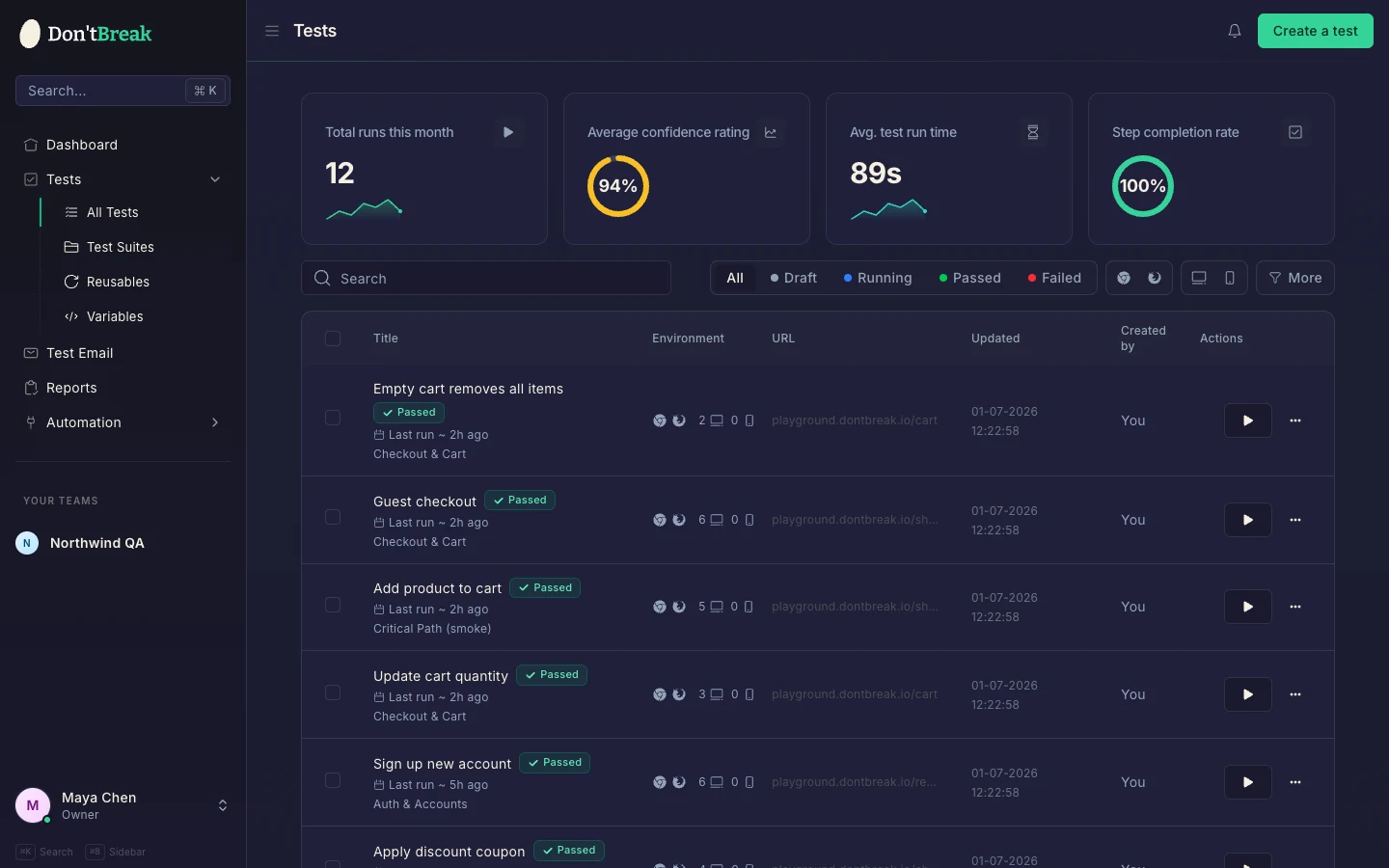
Everything you create shows up under Tests in the sidebar. Each test has a status — Draft, Running, Passed, or Failed — and the list lets you filter, search, and bulk-run tests.
Next steps
- Build a test from scratch: Creating Your First Test
- Point tests at your own site, including staging and basic auth: Connecting Your Site
- Get alerted when something breaks: Slack or email notifications