

Test Suites
A test suite is a named group of tests you run, schedule, and monitor as one unit. Instead of launching twenty tests by hand before a release, you group them into a "Checkout regression" suite and launch — or schedule — the whole thing with one click.
Why group tests
- One-click regression runs — launch every test in the suite at once.
- Scheduling — schedules attach to suites, not individual tests. If you want a test to run automatically, it needs to live in a suite. See Scheduling.
- Shared configuration — set a default URL and HTTP basic auth once at the suite level and push it to every test in the suite.
- Suite-level health — a confidence score and run history that tell you how the whole group is doing.
The suites list
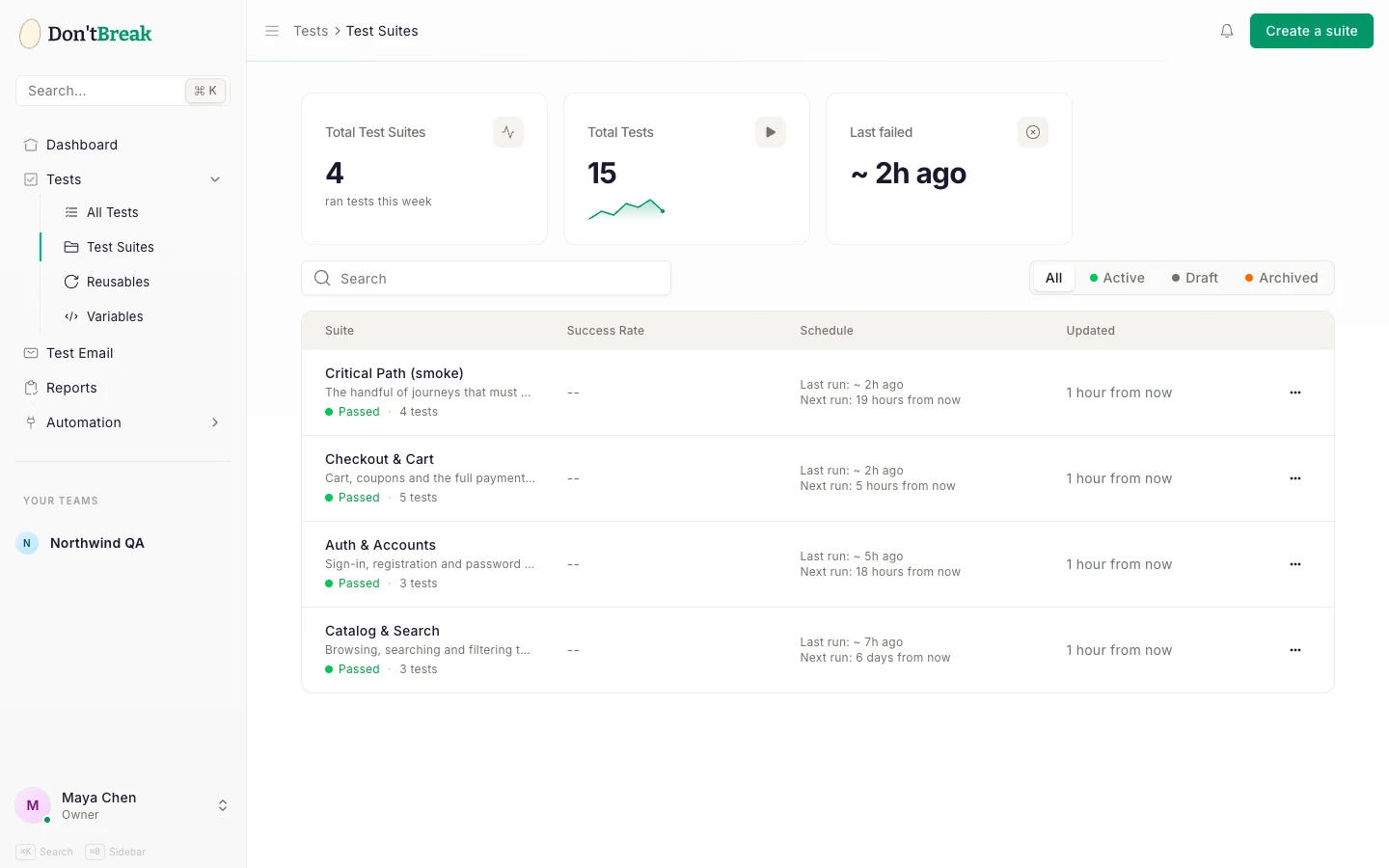
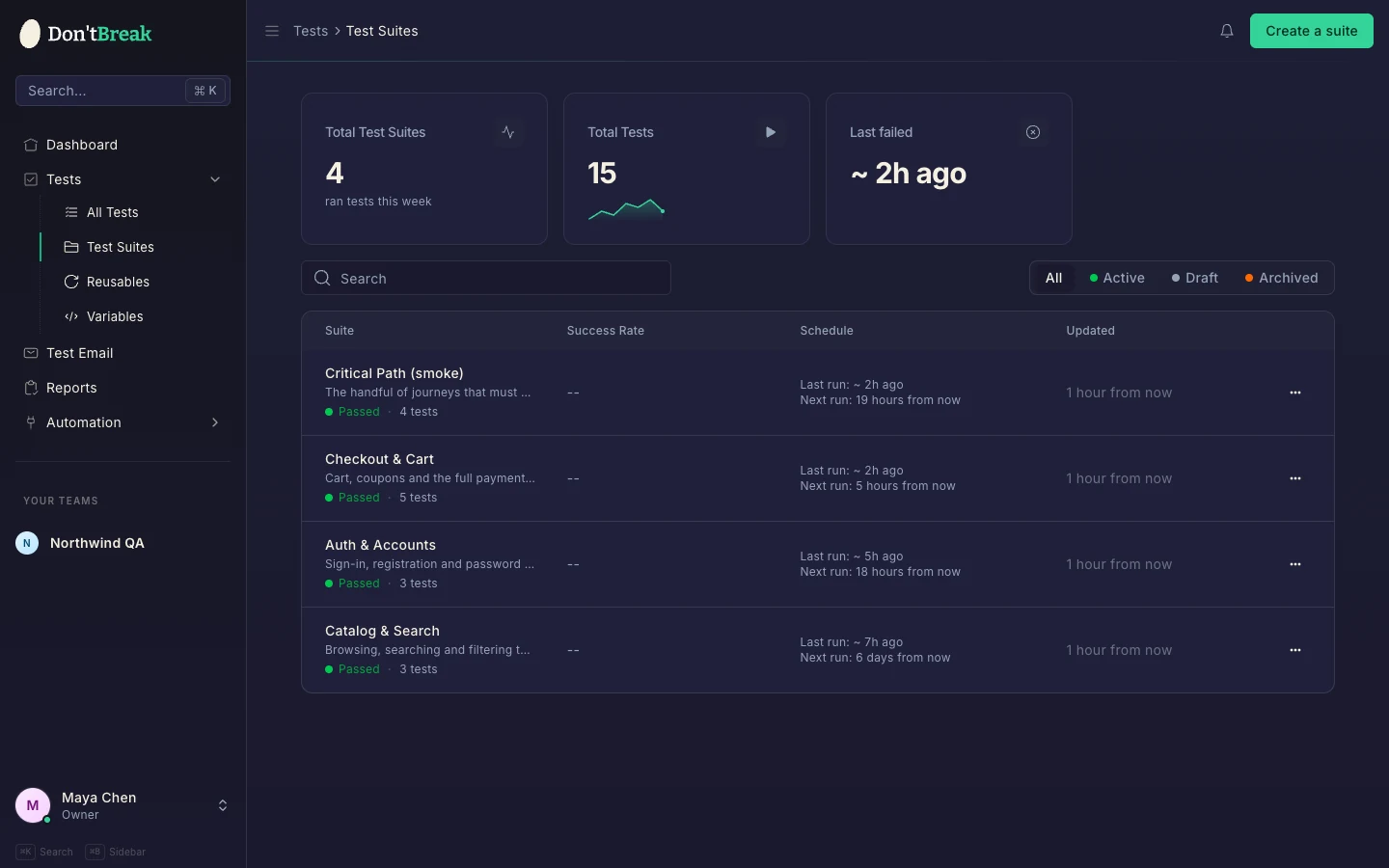
Go to Tests → Test Suites in the sidebar. The page shows three stat cards — Total Test Suites, Total Tests, and Last failed — above a table of your suites with each suite's test count, success rate, schedule, and last/next run times.
Creating a suite
Create the suite
On the Test Suites page, create a new suite and give it a name (up to 60 characters) and an optional description.
Add tests
Add existing tests to the suite from the suite detail page, or from a test's own page. A test can belong to multiple suites.
Configure settings (optional)
Open the suite's Settings to set a default URL, basic auth, schedule, or cookie-banner handling.
The suite detail page
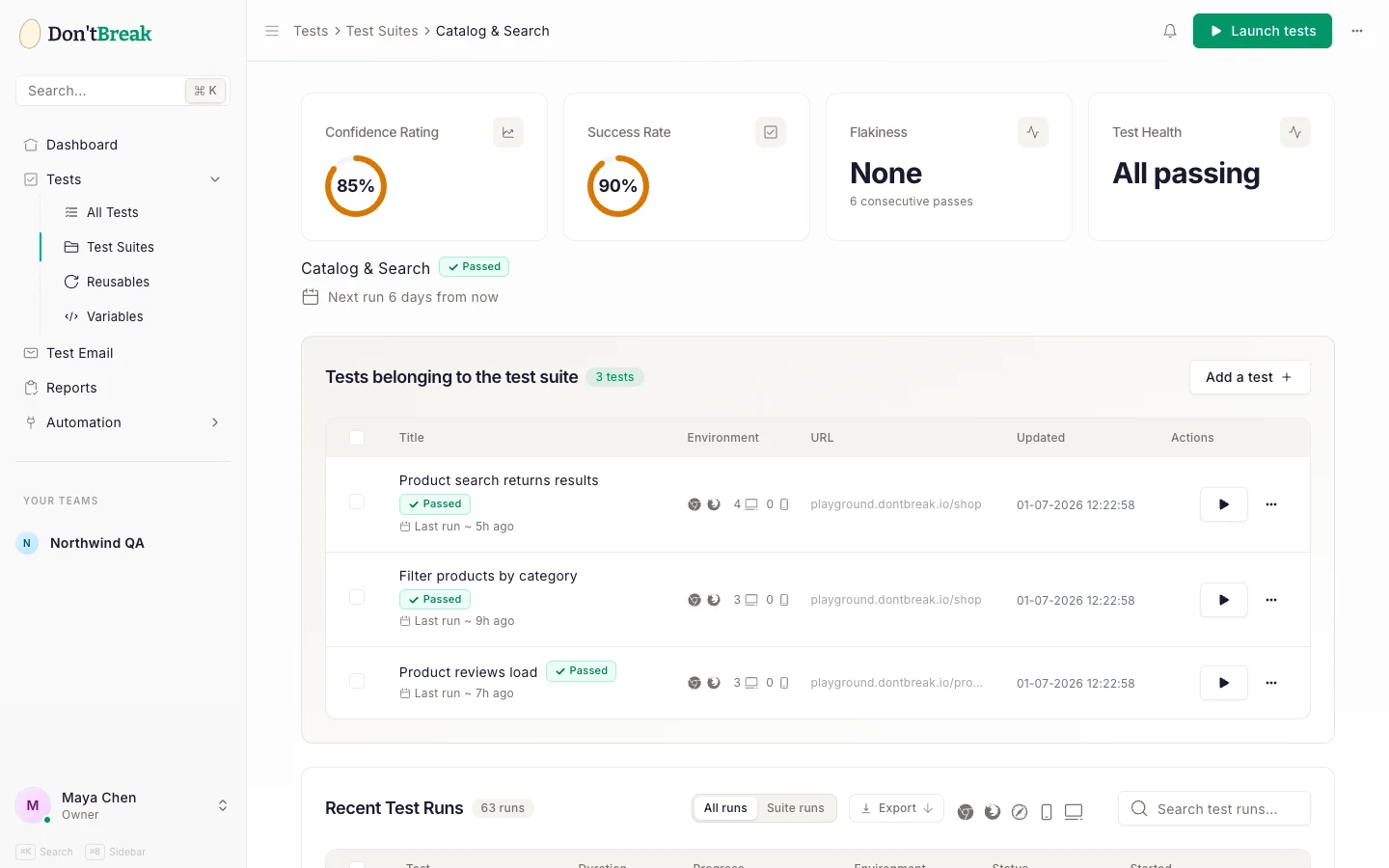
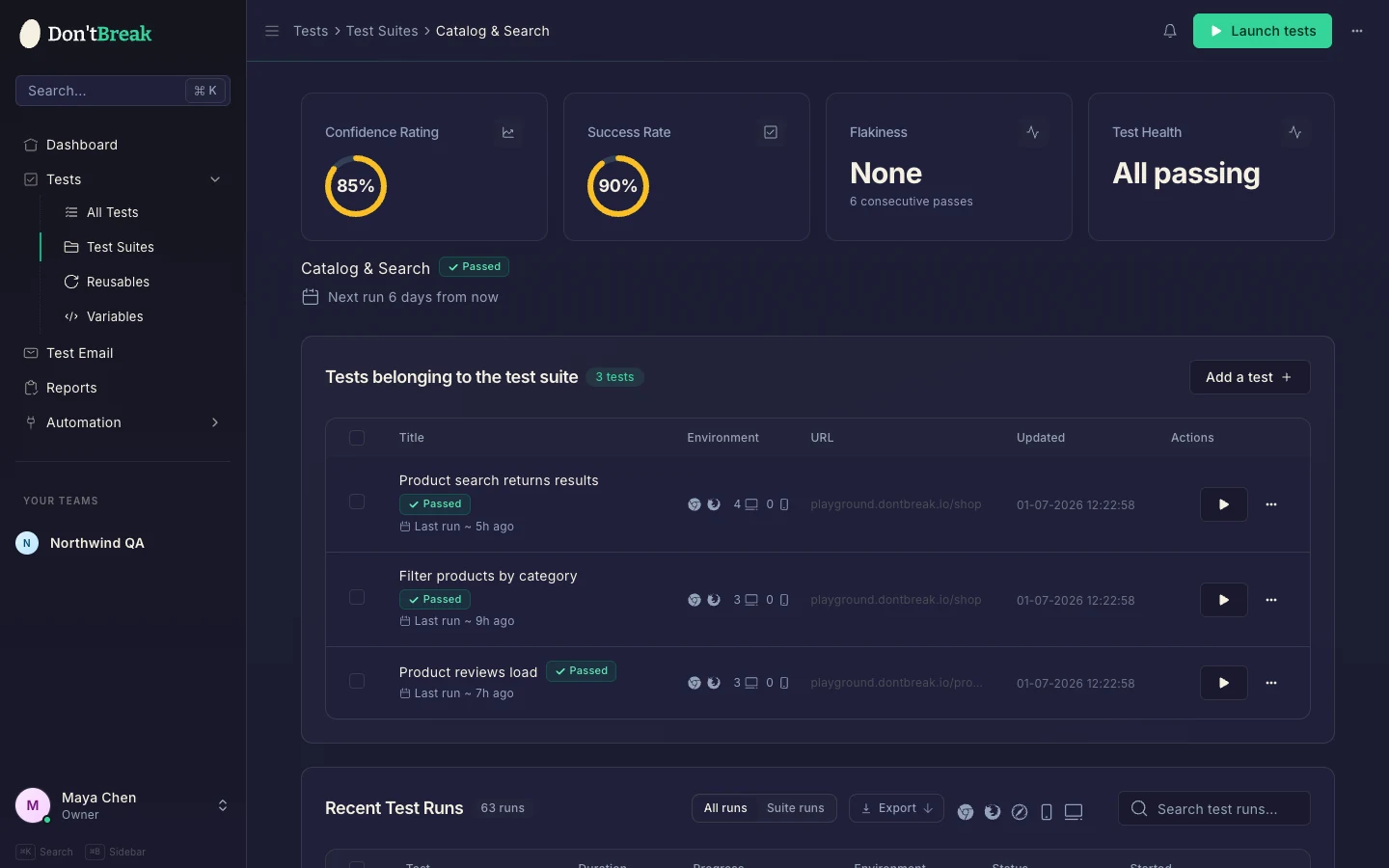
Each suite lives at its own page (open it from the list). From here you can:
- Launch tests — runs every test in the suite. See below.
- Settings — opens the suite settings panel.
- Tests table — all tests in the suite, with bulk selection to Run Selected or remove selected tests from the suite.
- Recent Test Runs — run history with a toggle between all runs of these tests and runs launched by this suite, plus export to PDF or JSON.
Suite settings
The settings panel covers:
| Setting | What it does |
|---|---|
| Name | Suite name, max 60 characters (required). |
| Description | What this suite validates, max 500 characters. |
| Default URL | Starting URL for the suite's tests. https:// is added automatically if you omit it. |
| Run mode | Parallel (default) or Sequential — see below. |
| Stop on failure | Sequential runs only: skip the remaining tests once one fails. Off by default. |
| Basic Auth | Username and password for sites behind HTTP basic auth (e.g. staging environments). |
| Apply auth to all tests | Pushes the basic auth credentials down to every test currently in the suite. |
| Schedule | Enable automated runs — hourly, daily, weekly, or monthly. Managed here or from the Scheduler. |
| Auto-dismiss cookie banners | Automatically dismisses most common consent banners during runs so they don't block your steps. Fully custom banners may still need a Click step in the test. |
Launching a suite
Click Launch tests on the suite detail page. DontBreak launches every test in the suite, and each test runs on its own enabled browser and device combinations — suite launches don't override per-test platform settings.
Run mode
Each suite runs in one of two modes, set in the suite's settings:
- Parallel (default) — all tests start at once. Fastest, but every test hits your site simultaneously, which can be a problem for shared test data or rate-limited staging environments.
- Sequential — tests run one at a time in suite order. Slower, but it avoids tests interfering with each other.
Stop on failure appears only in sequential mode. With it on, the first failing test ends the run and the remaining tests are marked skipped — and skipped tests don't count against your run quota, so a broken login step won't burn the rest of your allowance. A run with skipped or not-launched tests is reported as partial to CI/CD pipelines, so your build doesn't go green on half a suite.
Two things to know:
- Quota applies per combination. A suite of 10 tests, each with 3 enabled browser×device combinations, consumes 30 runs per launch. See Run Quotas & Usage.
- Quota and subscription are checked first. If you've hit your monthly limit or your subscription is inactive, the launch is blocked with an explanatory message.
Suite status and health
The suite's status is derived live from its most recent batch of runs: running while any run is in progress, failed if any run in the latest batch failed, completed when all finished cleanly.
The suite also carries a confidence score, averaged across its tests. Per test the score starts from the success rate — how many finished runs completed cleanly — and then discounts it by how flaky those runs look:
confidence = success rate × (1 − 0.3 × flakiness)
Flakiness can shave off at most 30% of the rating, so a perfectly stable test keeps its full pass rate while a maximally flaky one keeps 70% of it. Queued and running instances are excluded — they aren't finished runs, so they never count against the score — and a test that has never finished a run shows no score at all rather than a number that implies a measurement.
A dropping score before anything outright fails is your early warning. For diagnosing flaky tests, see Test Reliability.